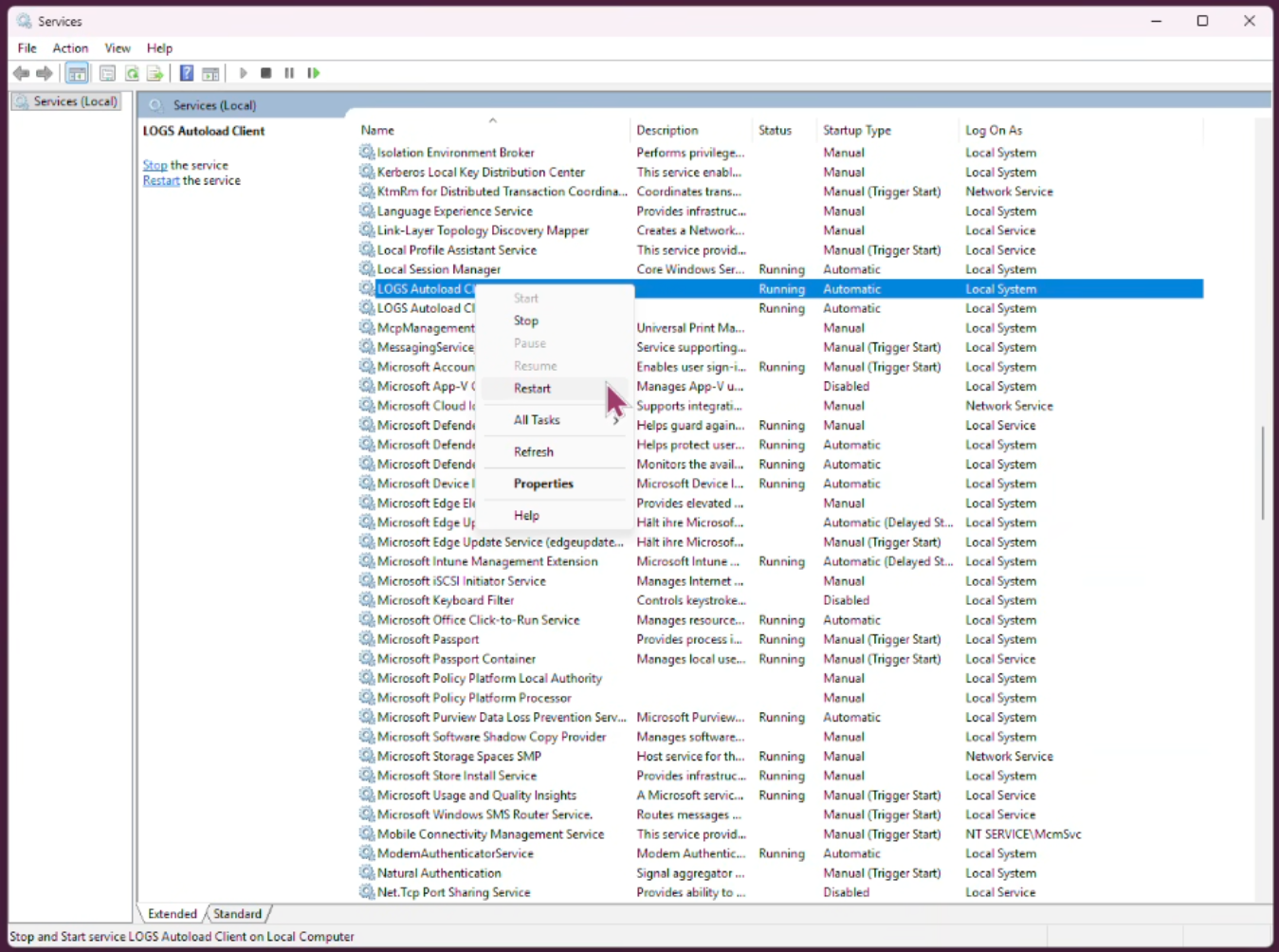
How do I restart the LOGS Core Engine?

Aug 13, 2026
57

Linux: You either have to be root or use sudo in front of the commands:
/opt/logs/LOGS service start|stop|restart
or
systemctl start|stop|restart logs-core-engine
The current service status can be checked with "systemctl status logs-core-engine". For a complete list of available commands, run "LOGS help".
Windows: On Windows systems, the LOGS Core Engine service can be started or stopped using the operating system’s Services application.