


A notebook is structured into experiments and their associated entries, which serve as daily notes.
The editor allows you to create and format text content within each entry.
To switch to the edit mode, open an entry an click the Edit button in the header of the entry.
Standard formatting
The text editor supports standard formatting:
- Bold, Italic, Underline,
Strikethrough, Subscript and Superscript - Text & background colors
- Headings (H1–H6)
- Left, right, center and justify alignment
- Bullet and numbered lists
- Tables (you can also paste tables from excel etc.)
- Links
- Quotes
- Special characters (including Greek alphabet)
Shortcuts
A list of shortcuts is available via the info icon in the top-right corner. For more information please refer to Shortcuts.
Boxes and Special Elements
Via the burger menu, you can insert various structured elements:
- Info Box
- Warning Box
- Error Box
- Focus Box
- Timer Box
- Stopwatch Box
Timer and Stopwatch components support optional checkpoints, which can be saved and printed as part of the entry.
To store checkpoints, click Save to list.
The timer notifies you when it completes via a toast notification.
Timers and stopwatches are only active while the entry is in Edit mode.
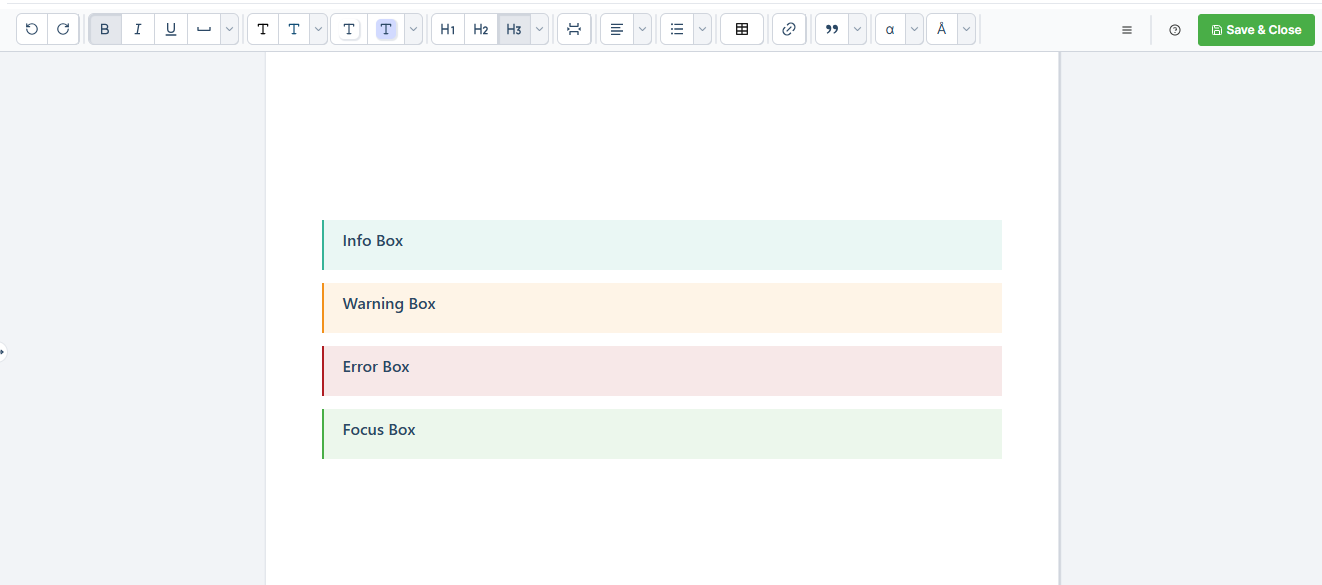
Structured elements with formatting like info box.
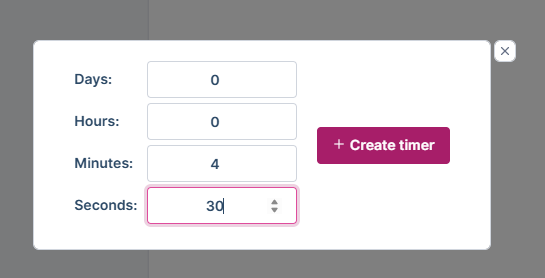
Timer with variable length can be created.
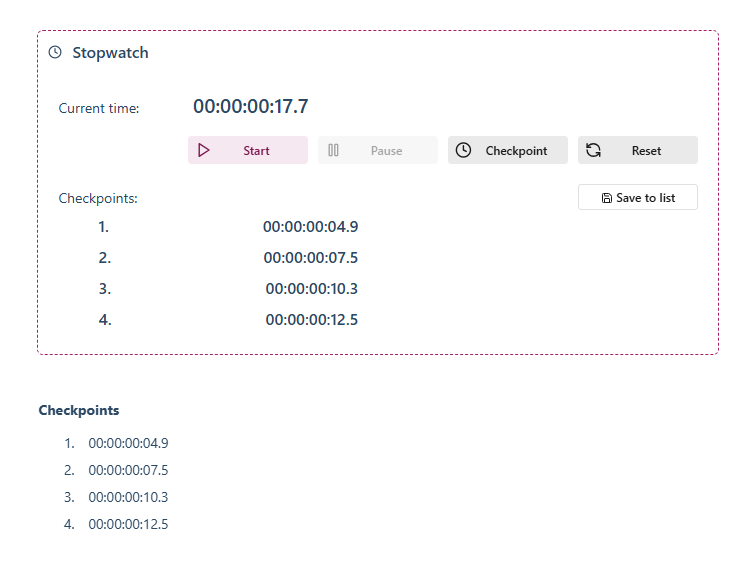
Stopwatch box with saved checkpoints.

