


The LOGS Notebook is an integrated component of the LOGS research data management platform. It provides a structured, FAIR‑aligned environment for planning experiments, documenting procedures, linking measurements, and maintaining a complete, auditable research record.
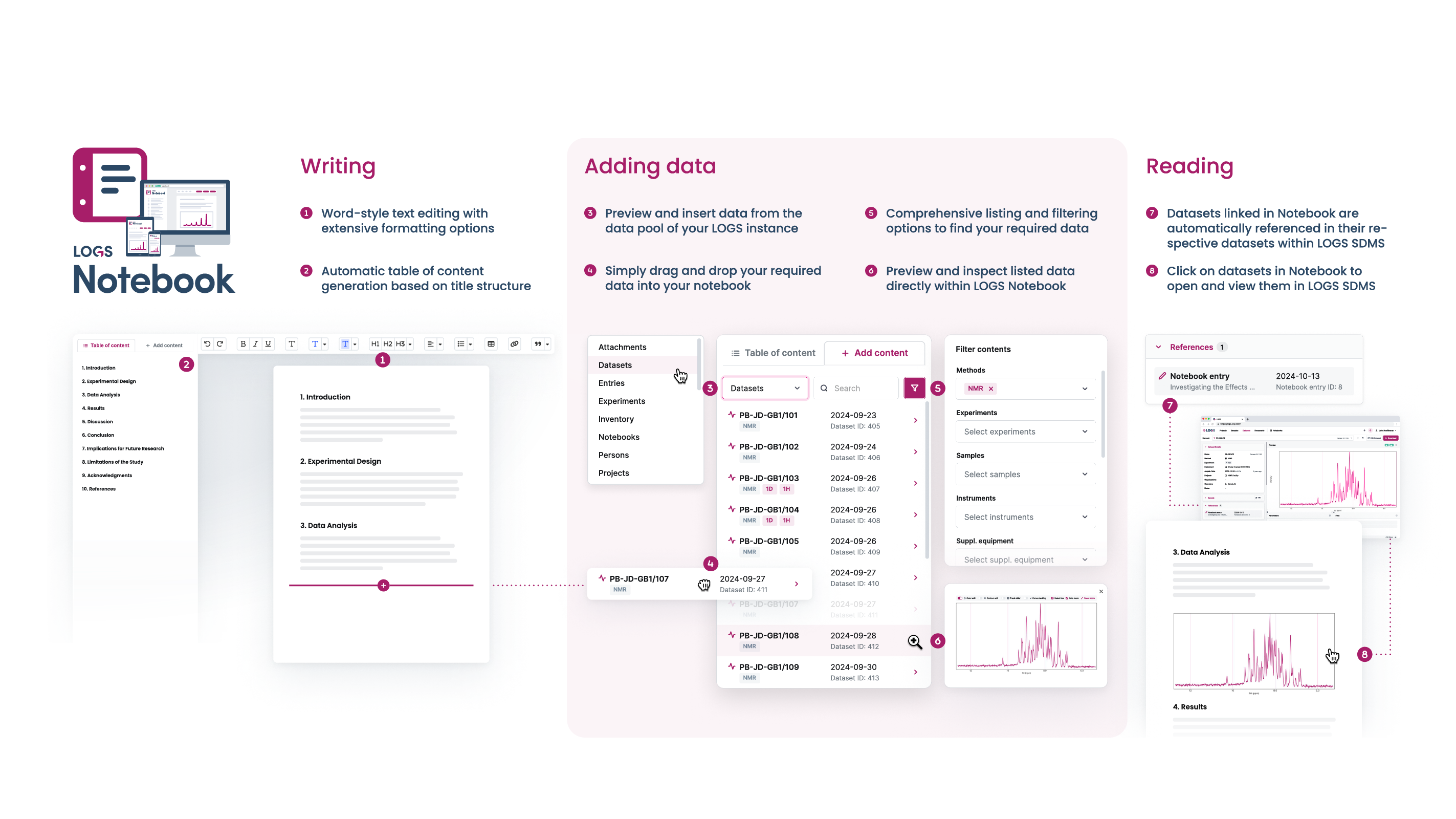
By combining narrative documentation with direct access to datasets, metadata, and project structures, the LOGS Notebook bridges the gap between experimental planning, data acquisition, and data interpretation. To help users navigate this functionality, the Notebook is organized around a three‑pillar structure:
- Notebooks – the highest‑level container for a scientific topic, project, or workflow.
- Experiments – thematic units within a notebook representing specific scientific activities.
- Entries – chronological daily notes where work is documented, annotated, and connected to data.
Together, these pillars support a clear, reproducible, and logically organized research workflow.
To create a notebook, go to the Notebook section via the navigation bar and add a new Notebook. It will private and can only be viewed by the user who created it.
To share the notebook with other you have to use the project based permissions of LOGS.
To print Notebooks you can use the PDF export function.
Creating a Notebook
- Open the Notebook section from the navigation bar.
- Click Add New Notebook in the top right corner.
- Enter a Name and optionally a Description.
- Click Create to generate the notebook.
Creating a Experiment
Experiments structure the notebook into thematic units.
- Click Add New Experiment.
- Provide an Experiment Name.
- Select a Status:
- Running
- Post
- Completed
- Aborted
- (Optional) Add a Description.
- After creation, LOGS automatically generates an Entry for today’s date.
Autosave and Collaborative Editing
- LOGS autosaves changes in the background.
- An orange Saving indicator in the Notebook header signals ongoing autosave.
- Only one person can edit an entry at a time.
- If another user opens the same entry, they receive a notification with an option to take over editing (locks the previous editor).

